Description
A momentum-driven system built on the classic MACD indicator.
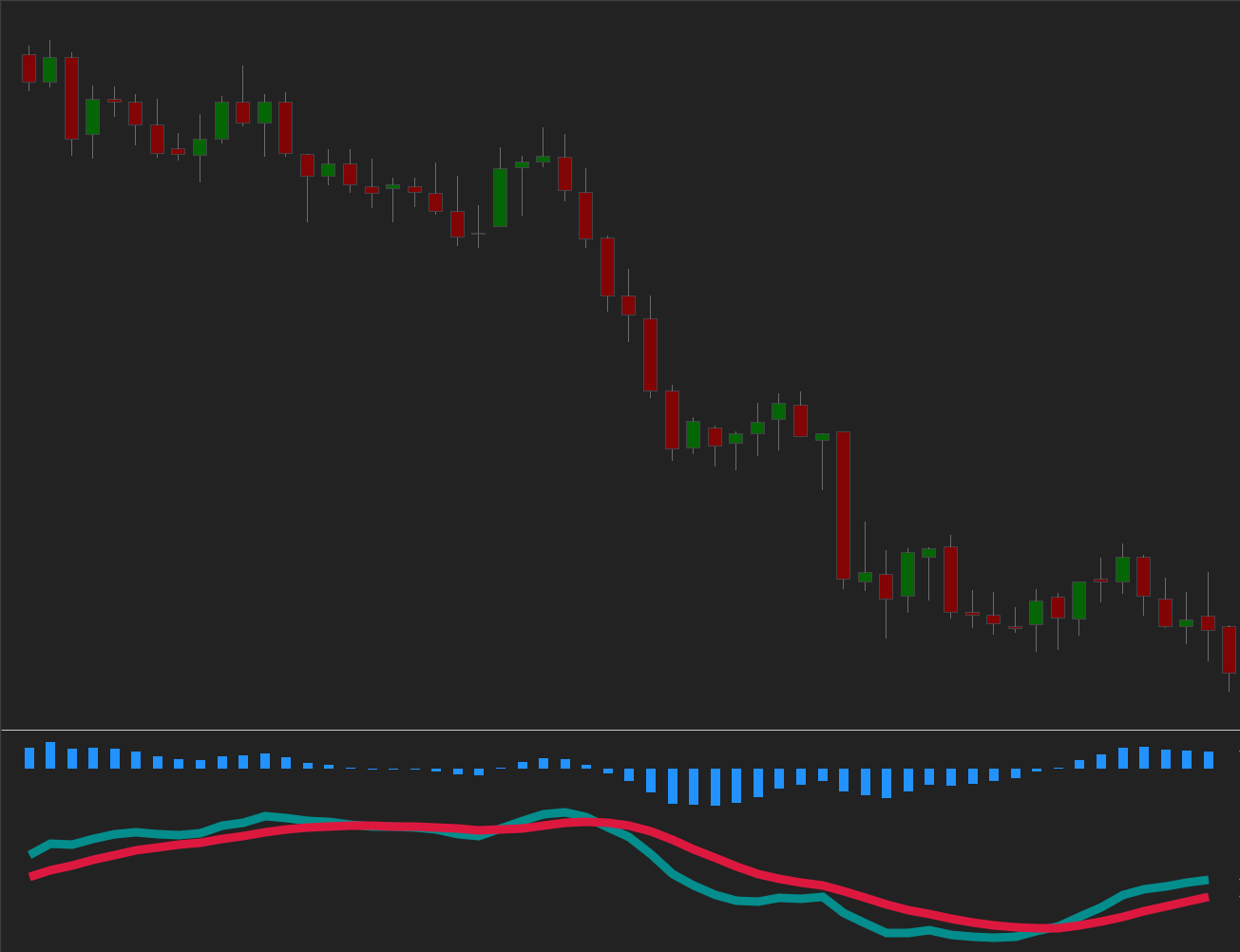
The strategy identifies trend shifts and momentum swings by tracking interactions between the MACD line and the signal line. Bullish crossovers can mark emerging upside momentum, while bearish crossovers can highlight potential trend reversals.
All MACD periods, smoothing, thresholds, and risk modules are fully configurable, allowing you to tune responsiveness and signal frequency for any market or timeframe.
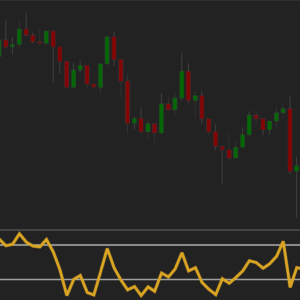
How to use
On the first use, paste you license code into the License field in strategy parameters.
- Set the Fast and Slow periods — these control how quickly MACD reacts to price changes.
- Choose the Smoothing period — this adjusts how stable or sensitive the signal line is.
- Choose the entry mode (Limit or Market) and configure your preferred risk settings.
- Enable optional modules such as profit targets, stop losses, plots, or color settings.
- Run backtests or live trading – the strategy executes and manages trades automatically.
Indicator Parameters
| Parameter | Description |
|---|---|
| MACD Fast – Period | Controls how quickly the MACD line reacts to recent price moves. Smaller values = faster signals. |
| MACD Slow – Period | Sets the long-term baseline for the MACD calculation. Higher values make the baseline slower and more trend-oriented, reducing sensitivity to short-term price moves. |
| MACD Smooth – Period | Controls how the signal line filters MACD fluctuations. Higher values provide stronger filtering, reducing noise around crossovers but delaying signals. |
Trading Parameters
| Parameter | Description |
|---|---|
| Trading | Entry Type | Market = fastest execution. Limit = controlled entry at your price. |
| Trading | Profit Target | Locks in gains at your chosen distance. Optional. Supports Limit and MarketIfTouched. |
| Trading | Stop Loss | Manages downside risk. Optional. Stop – standard exit. Simulated-StopLoss – helps avoid poor fills in thin markets. |
| Additional | Show or hide MA lines on the chart, fully customizable for clean visual workflow. |